The accessible door wave to open function is not working at Carlisle Branch. We aim to get it fixed quickly.
Carlisle Branch Accessible Door Out of Order
Published:
Tuesday, March 3, 2026 - 1:30pm
Valley Park Community Centre Closure
From March 23 until April 12, Valley Park Community Centre will be closed for renovations, reopening April 13. Pool and changerooms will remain closed until early summer 2026.
Valley Park Branch will remain open during the renovations for your library needs.
Published:
Friday, February 27, 2026 - 11:00am
Concession Branch: Renovations
As of Monday, March 2, Concession Branch's Living Room and Makerspace areas are closed. (The next nearest Makerspaces are Sherwood and Terryberry Branches.) Seating may be limited at times. Renovations are expected to be completed in late Spring. Thank you for your patience.
Published:
Tuesday, February 10, 2026 - 1:00pm
Sherwood Branch: Renovations
As of Monday, March 2, Sherwood Branch's 2nd floor is closed due to renovations. Makerspace, Children and Teen's collection are temporarily available on the 1st floor. All programs will be held in the basement program room. Renovations are expected to be completed in late Spring. Thank you for your patience.
Published:
Tuesday, February 10, 2026 - 1:00pm
Central Library - Living Room Renovation Preparation
Starting Tuesday February 10, the First Floor Living Room is closed due to renovation preparations. Study and work spaces are available on Floors 2-4. Thank you for your patience.
Published:
Friday, February 6, 2026 - 9:00am
Bookmobile Service Modification
Please note the following Bookmobile visit updates.
Wednesday, March 4
St. Elizabeth Village: 1:15-1:45pm - Cancelled
Gemini: 2-2:30pm - Cancelled
Rosedale: 5-6:30pm - Cancelled
Friday, March 6
Winona: 11am-Noon - Cancelled
Queen Victora: 3-4pm - Cancelled
Published:
Monday, February 2, 2026 - 3:15pm
Carlisle Branch Accessible Washroom Out of Order
The accessible washroom at Carlisle Branch is not working. We aim to get it fixed quickly.
Published:
Tuesday, January 27, 2026 - 12:30pm
Central Library - Sunday Hours Paused
Effective Sunday, February 1, Sunday service hours at Central Library will be paused.
Sunday Hours will continue at Dundas, Red Hill, Terryberry, Turner Park, Valley Park and Waterdown Branches from 1-5pm.
Published:
Wednesday, January 21, 2026 - 11:00am
HPL App
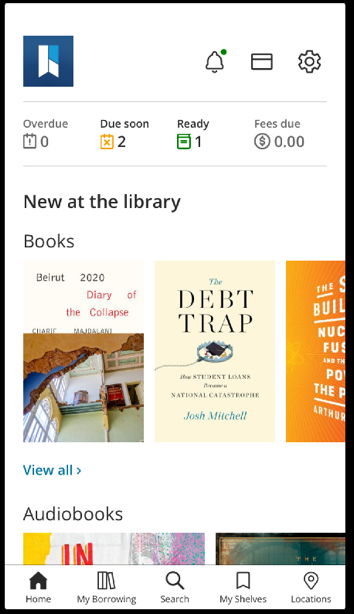
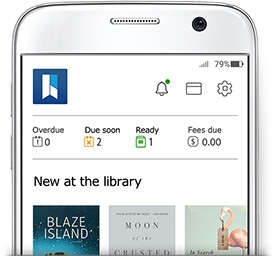 HPL’s App has a new look and we think you’ll like what you see and can do now.
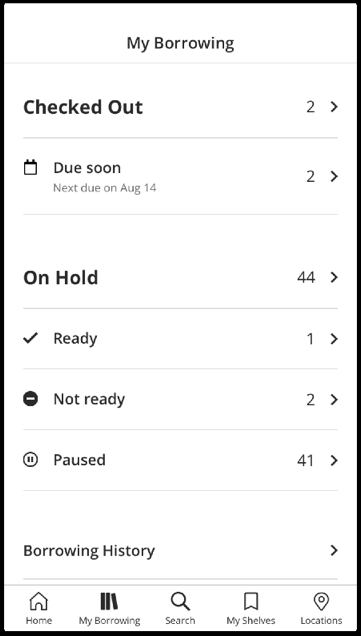
Get all your info from the get-go: What’s ready for pickup, what’s due, what’s overdue.
See the new stuff up front, including books, audiobooks, movies, TV and items on order.
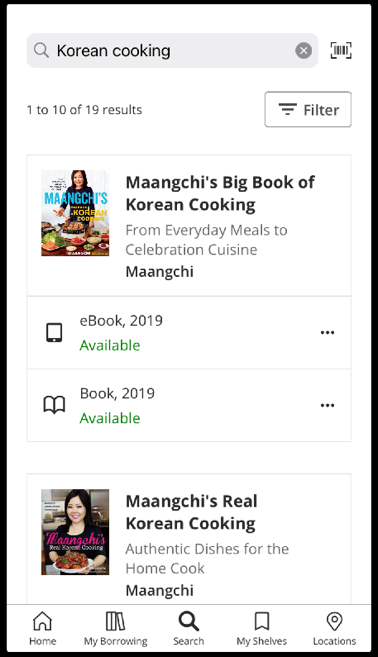
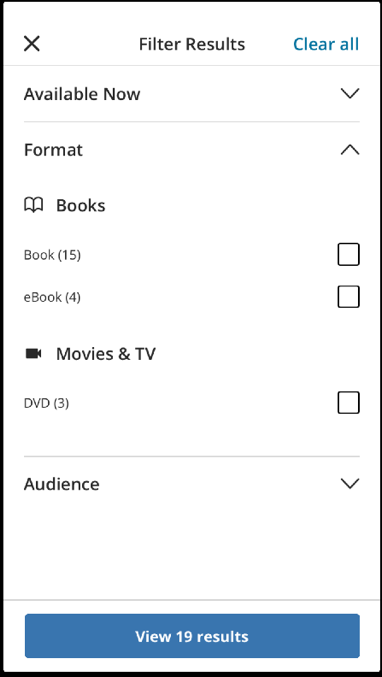
All the great features are still there too. Search for your next great read, check your borrowing history, see what’s on your shelves and find our branch locations. We have a nifty new layout to make it easier to read and navigate.
GET THE APP


Explore with HPL 2.0. Below are some answers to common questions you may have. If you have more questions, please call 905-546-3200, email AskHPL@hpl.ca or chat with us at hpl.ca.
FAQs